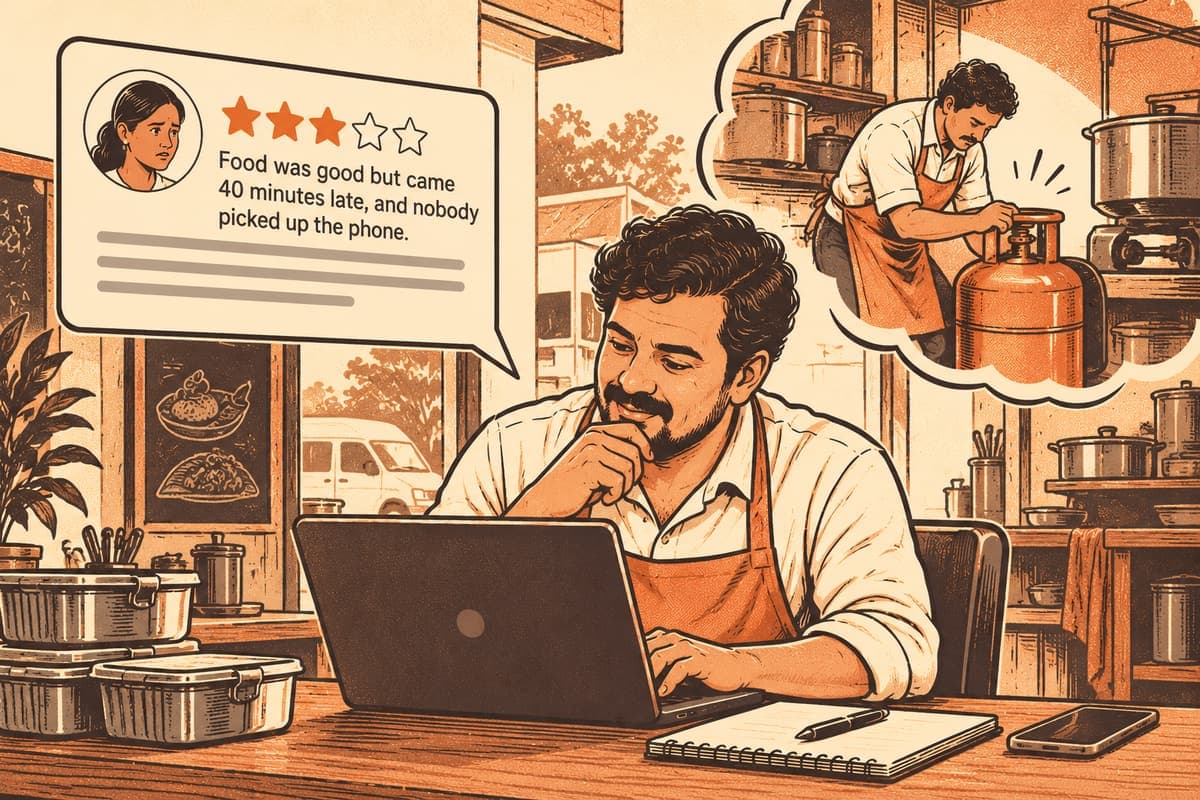
- An unclaimed listing can still be found and reviewed, but nobody from the business looks after it.
- After you tap Claim, a team member checks it with a call and proof, usually within 2 to 3 working days.
- Keep your phone and proof ready, and make sure the business name matches what your documents show.
You run a small electrical repair shop in Perambur, or a catering business from your kitchen in Mylapore, and a customer tells you, "I found you on Zinola." You open the app and there it is: your business name, your area, maybe even a review. But you never set it up.
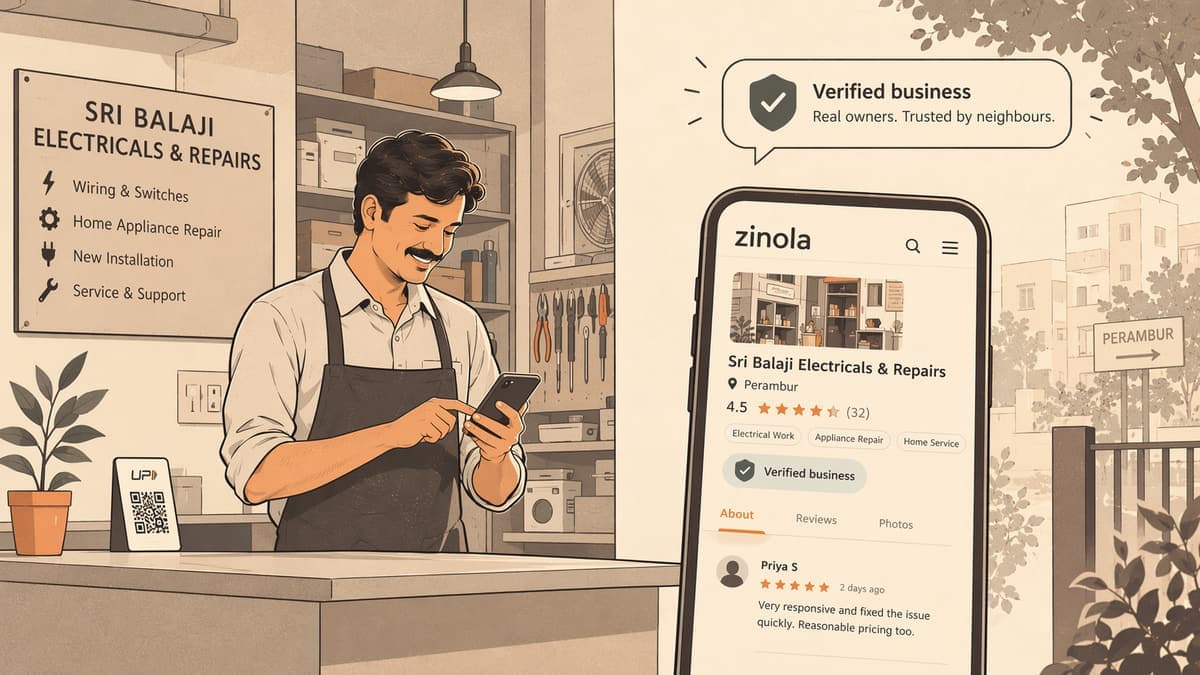
That is normal. Every business listing on Zinola starts out unclaimed. It shows that the business exists, but nobody has yet confirmed that it belongs to a real owner. Claiming it is how you take charge of that page, and the "Verified business" tick is how neighbours can tell you have.
This post explains what claiming means, what the tick does and does not tell a customer, and how to get through the process without surprises.
What an unclaimed listing is
An unclaimed listing is a business page that no owner has taken over yet. Neighbours can still find it, review it and talk about it. What is missing is the owner's side: someone from the business who has been checked and can look after the page.
Think of it like a shop on Usman Road with a name board but nobody at the counter. People can walk past and read the board. They can tell each other about it. But if they have a question, there is nobody official to answer.
Some owners leave a listing unclaimed for months because they do not know it is there. Others assume it costs money to claim. It does not. Listing on Zinola is free for businesses of every size, home businesses are included, and you do not need GST.
How claiming works
The process is deliberately simple, with one human step in the middle.
- Find your business. Search for it on Zinola, or browse the businesses directory under your category and area. If it is not there yet, you can list it, and it too starts unclaimed.
- Tap Claim. On your business page, tap Claim to tell Zinola you are the owner.
- A person from the team checks it. This is not automatic. Someone from the Zinola team gets in touch with you, by a call, and asks for proof that the business is yours. It usually takes 2–3 working days.
- You are approved. Once the check is done, your listing shows the "Verified business" tick.
- Manage your listing. As the owner, you look after your business at business.zinola.in.
That is all. There is no paid upgrade hidden behind the tick, and no shortcut that skips the human check.
Tips for a smooth check
- Keep your phone with you for a few days after tapping Claim, so you do not miss the call.
- Have your proof ready. Whatever shows the business is yours, keep it to hand so the check is quick.
- Make sure the name matches. If your board says "Sri Lakshmi Tailors" but the listing says "Lakshmi Stitching", be ready to explain the difference when the team checks.
- Be patient around holidays. "Working days" means Pongal and Diwali weeks may take a little longer.
What the verified tick means, and what it doesn't
The tick is simple, and it helps to be clear about its limits, both as an owner and as a customer.
| The "Verified business" tick means | It does not mean |
|---|---|
| A person from the Zinola team checked the owner | The work is guaranteed |
| The owner provided proof that the business is theirs | Zinola has inspected the quality of the service |
| A real, reachable owner looks after this listing | The business ranks higher because it paid |
| The check was done by a person, not automatically | Every review on the page is positive |
In other words, the tick answers "is this really their business?" Reviews answer "are they any good?" A careful customer looks at both. Our safety post on checking a local business before you hire shows how residents use them together.
For owners, this is a fair deal. The tick does not make a weak business look strong. It makes an honest business easier to trust, because neighbours know they are dealing with the actual owner.
Why claiming is worth an afternoon
Even if your listing already gets enquiries, claiming it helps in practical ways.
- Reviews start working for you. Customers rate you with overall stars plus six areas: Quality, On time, Updates, Price, Ownership and Attitude. As the owner, you can reply once publicly to each review, to thank someone or to explain how you fixed a problem. Our guide to replying to reviews covers what to say.
- Enquiries reach the real you. Neighbours can send private enquiries and quote requests to a business. When the listing is claimed, you are the one handling them.
- Photo reviews become stories. A customer's photo of a freshly painted room or a full catering spread becomes a story others nearby can see. It is good to have a real owner behind the page when that happens.
- You look after it in one place. business.zinola.in is where you manage your listing as the owner.
None of this changes how the directory ranks you because of money. Nobody pays to rank on Zinola, and there are no ads. You can read the details on how ranking works.
Where Zinola fits for a new owner
Zinola is a free neighbourhood app and website for Chennai, used by residents to ask questions, recommend people and find businesses nearby. A claimed, verified listing is your place in that.
Residents do a lot of their searching through each other. Someone in an Adyar apartment asks "anyone know a good AC service person?", and neighbours reply, recommend and @-tag businesses they have used. If your listing is claimed and has honest reviews, that tag leads to a page you look after.
Beyond your listing, you can host a public event as a business, such as a cooking demo or a free workshop for your area, and residents can find it under What's on. If you also sell products, the marketplace lets you post listings that buyers reach through a private chat, without your number being shown unless you choose.
For a full picture of what businesses can do, see Zinola for business.
A short checklist before you tap Claim
- Search for your business and make sure you have the right listing.
- Tell your team or family to expect a call from Zinola if they answer the shop phone.
- Keep proof of ownership handy.
- Plan to check business.zinola.in once you are approved.
- Read your existing reviews, if any, and decide which ones deserve a reply first.
Claiming takes a few minutes of your time and a short wait. What you get is a page neighbours can trust, with a real person behind it.
Questions people ask
- How long does it take to claim a business on Zinola?
- A person from the team checks every claim with a call and proof. It usually takes 2–3 working days.
- Is business verification on Zinola automatic?
- No. Verification is never automatic; a person from the Zinola team checks each claim before the Verified business tick appears.
- Does it cost anything to claim or verify my listing?
- No. Listing on Zinola is free for businesses of any size, including home businesses, and you do not need GST.
- Where do I manage my business after it is verified?
- Approved owners manage their business at business.zinola.in.
Claim your listing today
Find your business, tap Claim, and get the Verified business tick after a quick check by the team.
Find your business